One page a day
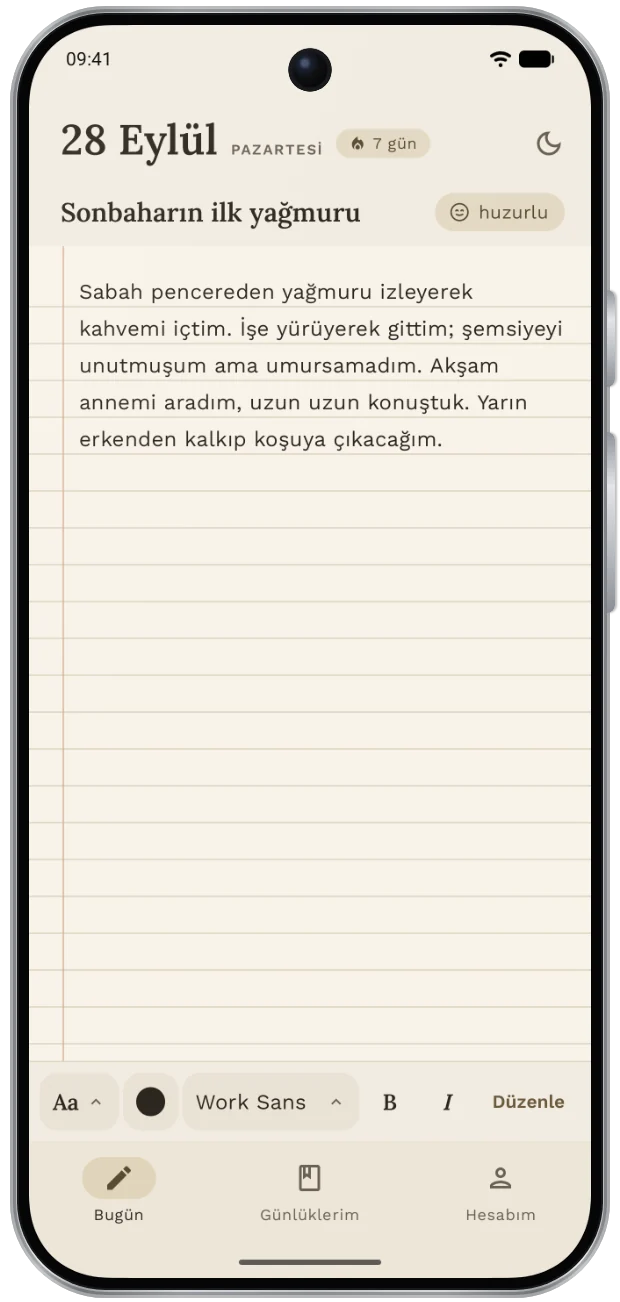
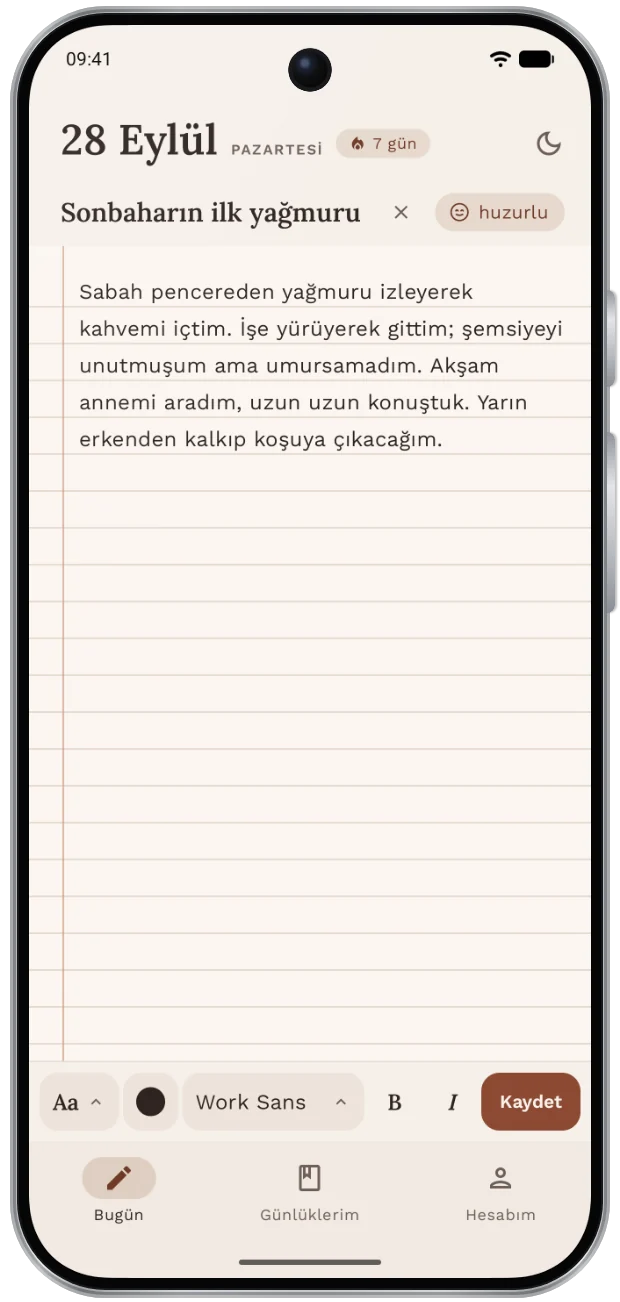
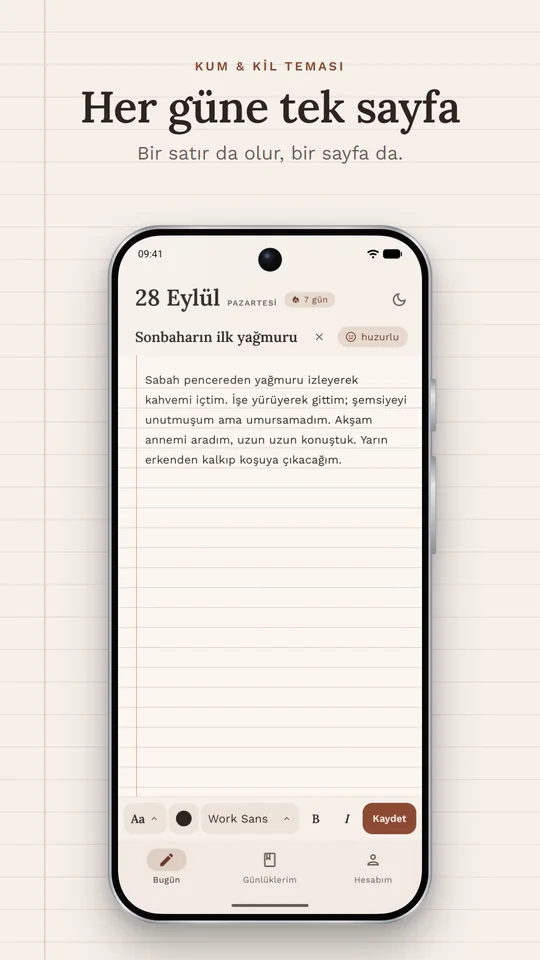
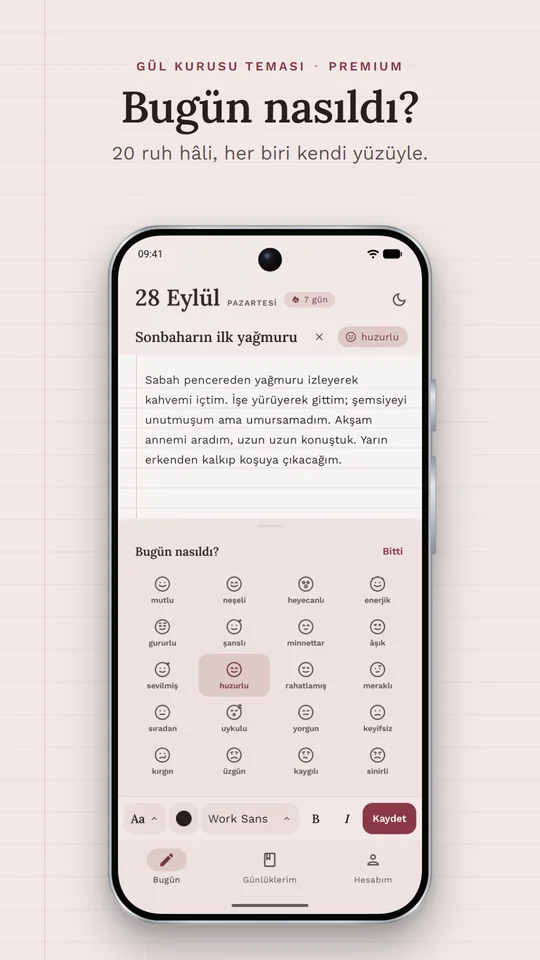
No forms, no required fields. Open it, write, save. Add a title and a mood if you like.
A diary for Android
One line is enough, and so is a whole page. DiaryOnce lets you leave a trace of your day on simple paper, and what you write stays only on your phone.
In closed beta. For access, email
support@diaryonce.com
The app is currently available in Turkish only. More languages are on the way.
By installing DiaryOnce, you accept the Privacy Policy. For ages 13 and up.
Why DiaryOnce
No forms, no required fields. Open it, write, save. Add a title and a mood if you like.
Your entries are never sent to any server. No one reads, stores or shares them.
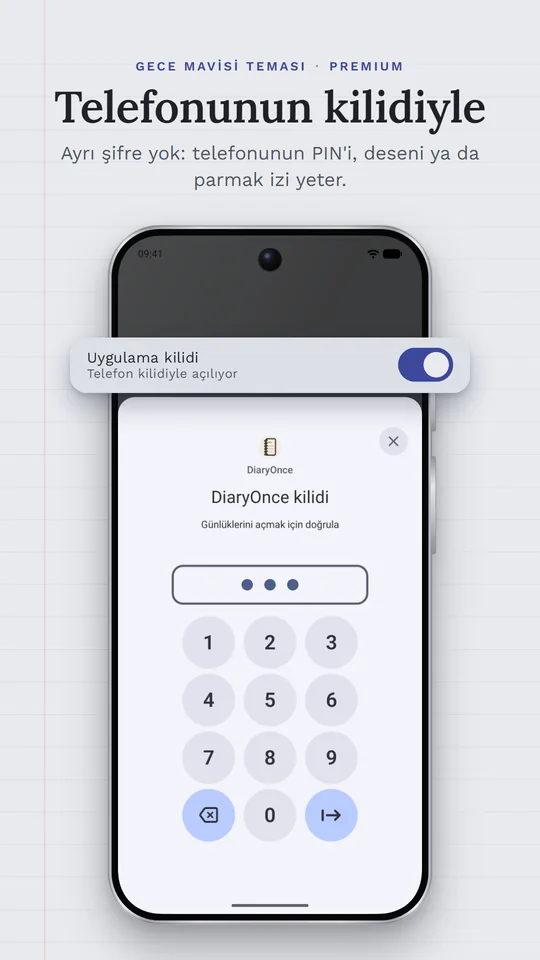
The app opens with your phone's screen lock, fingerprint or face unlock. No extra password to remember.
Features
Screenshots
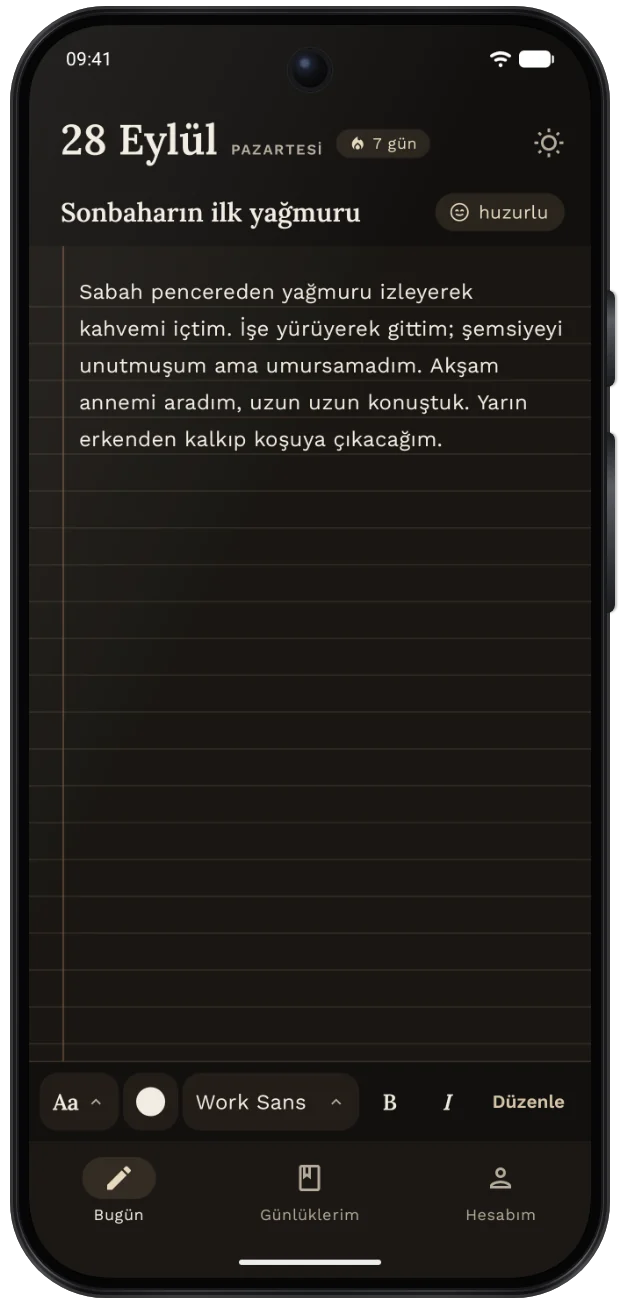
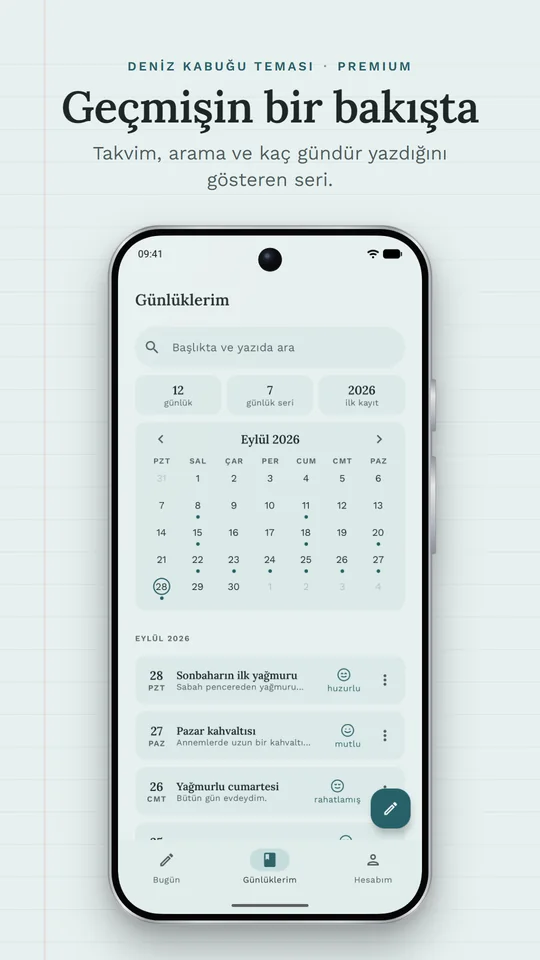
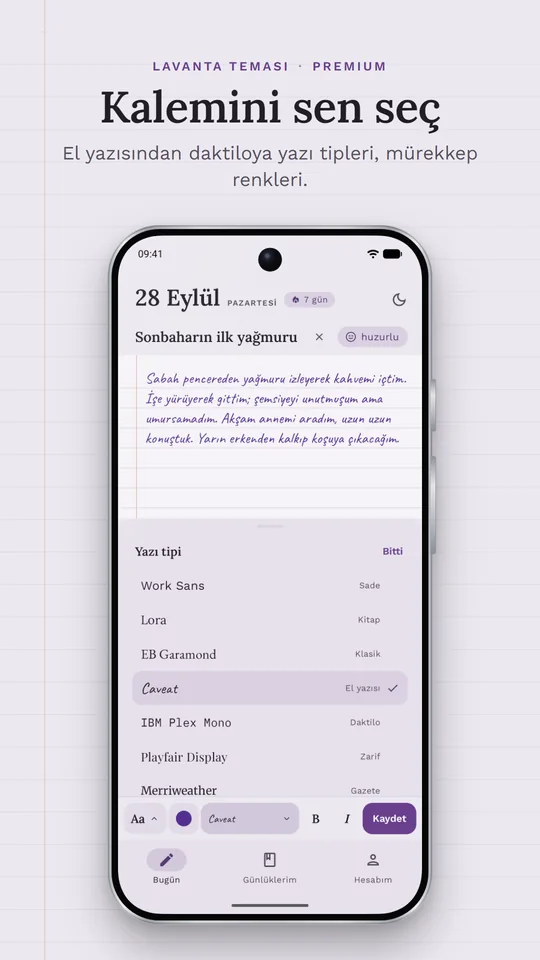
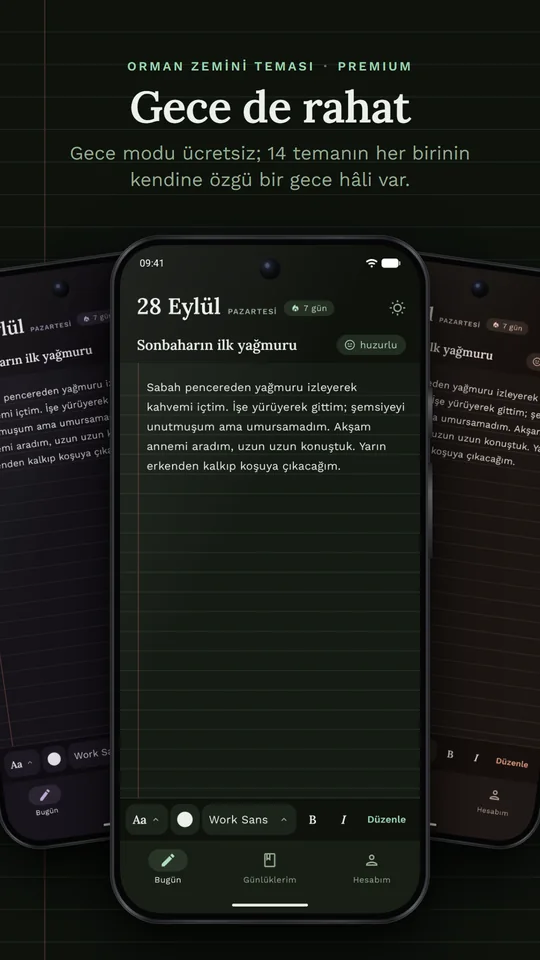
Six of the 14 themes: Sand & Clay, Seashell, Dried Rose, Lavender, Midnight Blue and Forest Floor at night.
App lock
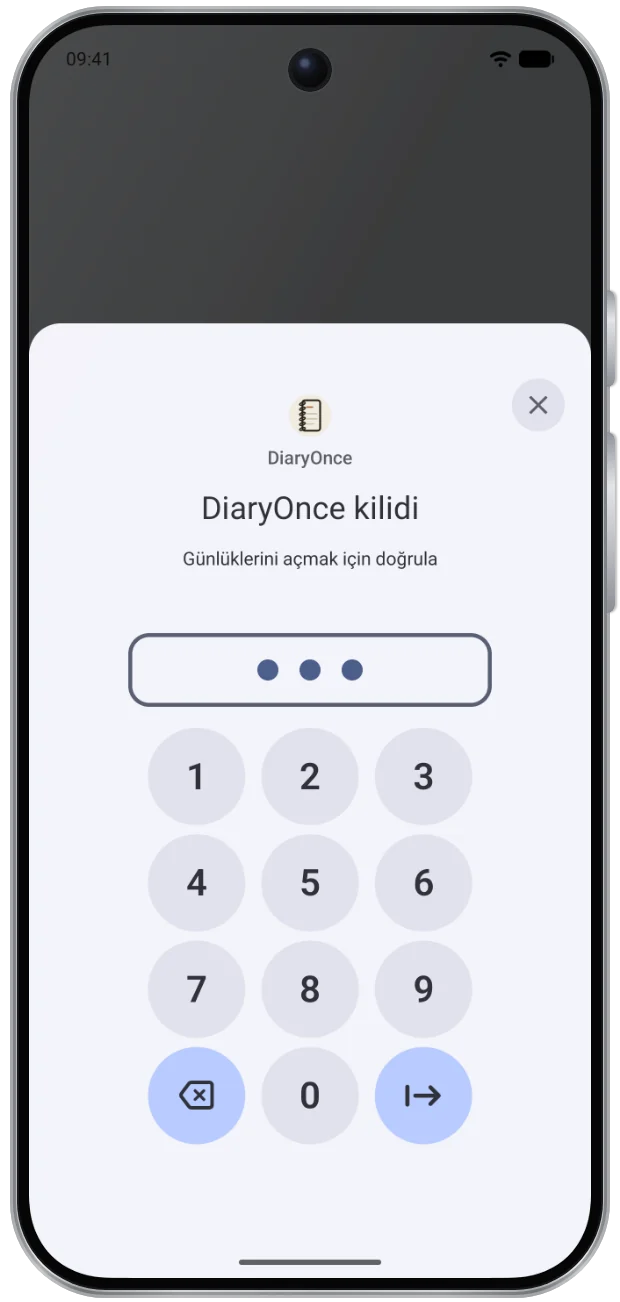
DiaryOnce doesn't ask for a separate password. You open your diary with the same lock you use for your phone: PIN, pattern, fingerprint or face unlock.

FAQ
Not yet. The app is currently available in Turkish only; English and more languages are on the way. This website is already available in four languages.
Only on your phone. DiaryOnce has no server that holds your entries; no one reads what you write, and nothing is shared. The details are in the Privacy Policy.
If Android's automatic backup is on, your entries come back on your new phone. You can also export a backup file from Settings > Data and import it on the new phone.
Turn on the app lock in Settings > Security. DiaryOnce doesn't ask for a separate password; it uses your phone's screen lock, fingerprint or face unlock. The lock can be turned on when your phone has a screen lock.
No, and that's on purpose: one page for every day, and what you wrote that day stays as it was. You can open and read past days in My Diaries, and delete them if you want. You can edit today's page all day long.
With your Google account. Your password never reaches DiaryOnce; Google handles the check. Only your name and email address are used for sign-in.
In the Google Play app, tap your profile picture, go to Payments & subscriptions > Subscriptions, choose DiaryOnce and cancel. Your membership stays active until the end of the period you paid for. Lifetime is a one-time payment, so there's no subscription to cancel.
You get a gentle reminder twice a day: once around noon and once at night. If you've already written that day, it doesn't come. You can turn them off with one tap in Settings > Reminders.
In the app, go to My Account > Delete account. Your account and the entries on your phone are permanently deleted. The steps, and what to do if you can't open the app, are on the Delete account page.
Start with one line. Tomorrow, you'll remember how yesterday went.
In closed beta. For access, email
support@diaryonce.com